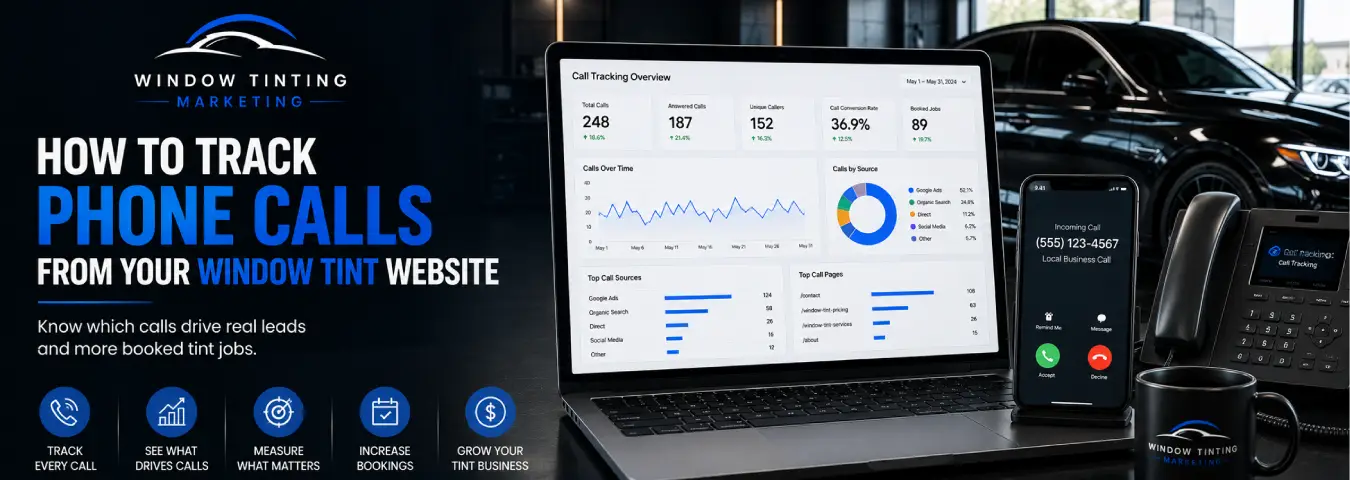
Phone calls are often one of the most valuable actions a window tint website can generate. A visitor may compare tint options online, check pricing or service information, and then call the shop to ask about availability or schedule an appointment. If those calls are not measured properly, an important part of your marketing performance can remain invisible.
Good call tracking does more than count clicks on a phone number. It helps you distinguish call intent from actual calls, identify where callers came from, and—when your systems support it—connect qualified calls to appointments and customers.
Start by Defining What You Want to Measure
Before installing another tracking tag, decide which phone-related outcomes matter to your window tint business. There are several different events that are easy to confuse:
- Phone-number click: a visitor taps or clicks a clickable phone link on the website.
- Actual call: the visitor's call reaches a tracked phone number.
- Qualified call: the conversation meets your definition of a legitimate sales opportunity.
- Booked appointment: the caller schedules a tint service.
- Customer or completed job: the call eventually produces completed business.
These are different stages of the funnel. A website can record a phone-link click without knowing whether the person completed the call, so avoid reporting every click as a phone lead.
Method 1: Track Clicks on Your Website Phone Number
The simplest measurement method is to track clicks on telephone links. On mobile-friendly websites, phone numbers are commonly linked using a tel: URL. Google Tag Manager can listen for link clicks and fire a tag when the click matches your phone-link conditions.
Google Tag Manager's Just Links trigger is designed to detect clicks on HTML links. A practical setup can use a condition such as Click URL starts with tel: so the tag fires only when someone clicks a telephone link.
What a phone-click event can tell you
Once the event is sent to GA4 or another analytics destination, you can analyze which pages, traffic sources, devices, and campaigns generate call intent. For example, you may discover that visitors frequently click the phone number after viewing a particular tint service page.
What it cannot tell you
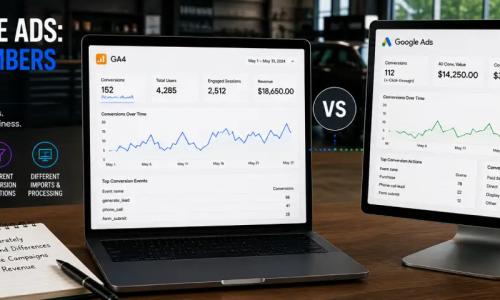
A phone click is not proof of an answered call. Google Ads explicitly distinguishes phone-number click measurement from actual phone-call measurement. The visitor can tap the number and cancel before dialing, encounter a failed connection, or make a call that is too short to represent a meaningful inquiry.
Use phone-click tracking as a useful behavioral signal, but use actual call tracking when call outcomes matter to your advertising decisions.
Method 2: Track Actual Website Calls From Google Ads
If you advertise your window tint business with Google Ads, Google provides website call conversion tracking for eligible businesses and countries. This method can identify calls made after someone clicks an ad and visits your website.
Google uses a dynamically generated Google forwarding number to replace the business number displayed on the website for eligible ad visitors. Calls to that forwarding number are routed to your real business phone number while Google Ads records call information.
Google Ads can report details such as call duration and attribution information, and you can define a minimum call length before a call is counted as a conversion. That can help separate very short calls from conversations more likely to represent useful leads.
How Google Ads Website Call Tracking Works
The basic process looks like this:
- A prospect clicks your Google Ad.
- The visitor reaches your window tint website.
- Your normal business number is dynamically replaced with a Google forwarding number where the feature is supported and correctly configured.
- The prospect calls the forwarding number.
- Google routes the call to your actual business line.
- Google Ads records eligible call details and attributes the call to the advertising interaction.
This allows you to evaluate which campaigns, ad groups, ads, and—in supported reporting contexts—keywords contribute to phone conversions instead of relying only on website form submissions.
Setting Up Calls From Website in Google Ads
Google's current conversion workflow includes a Calls from website option for customers who visited your site before calling. You create the phone-call conversion action in Google Ads, define the call you want to measure, and configure the required website tagging.
For website call tracking that uses a forwarding number, the Google tag works with a phone snippet. The phone snippet replaces the displayed business number with a Google forwarding number for eligible visitors.
You can install the relevant tracking directly on the site or use Google Tag Manager. Google's GTM instructions provide a Google Ads Calls from Website Conversion tag. The phone number entered in the tag needs to match the digits displayed on the website, and Google notes that the GTM website-call tag should use the national phone-number format rather than an international format with a plus sign.
Use Google Tag Manager for Phone-Click Tracking
If your website already uses Google Tag Manager, you can keep phone-click measurement organized inside the same container.
A typical implementation is:
- Enable the relevant click variables in GTM, including Click URL.
- Create a Just Links trigger.
- Set the trigger to fire on some link clicks.
- Use a condition that identifies your tel: links.
- Create a GA4 event tag or other appropriate measurement tag.
- Attach the phone-click trigger to the tag.
- Test the setup in GTM Preview mode before publishing it.
Use a clear event name and keep it consistent. The event should describe what actually happened—for example, a phone-link click—not claim that an answered call or qualified lead occurred.
Track More Than the Number of Calls
Call volume by itself does not tell you whether your marketing is profitable. Once actual call measurement is available, focus on the information that helps you evaluate lead quality and marketing performance.
| Metric or outcome | What it helps answer |
|---|---|
| Phone-link clicks | Which website visits show call intent? |
| Actual tracked calls | Which marketing sources generate real calls? |
| Call duration | Which calls lasted long enough to meet your chosen conversion rule? |
| Answered vs. missed | Are opportunities being lost because calls are not answered? |
| Qualified calls | Which sources generate legitimate tint prospects? |
| Booked appointments | Which calls turn into scheduled tint jobs? |
Google Ads call reporting can provide call-level details for supported Google forwarding-number calls, including timing, duration, whether calls were missed or received, caller area code, and call type. Your CRM or third-party call-tracking platform may provide additional lead and booking context.
Connect Phone Calls to Booked Tint Jobs
The most useful measurement does not stop when the phone rings. If your team can consistently record call outcomes, connect tracked callers with your lead-management or CRM process.
A simple call funnel might use statuses such as:
- new call;
- answered;
- qualified lead;
- quote provided;
- appointment booked;
- completed job; and
- not qualified or lost.
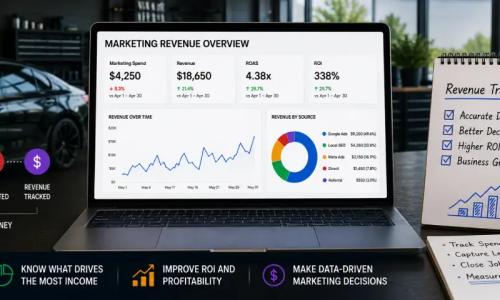
Consistent statuses make it possible to compare marketing sources by business outcome. A campaign that generates fewer calls but more booked appointments may be more valuable than one that generates many short or irrelevant calls.
When to Consider a Third-Party Call-Tracking Platform
Google Ads website call conversions are useful for measuring calls related to Google advertising, but a window tint business may also want attribution across organic search, social campaigns, referral traffic, and other channels.
A dedicated call-tracking platform can be useful when you need broader source attribution, dynamic number insertion across multiple channels, call recordings where lawful and appropriately disclosed, lead qualification workflows, or CRM integrations. Choose a platform based on the data you actually need rather than adding complexity for its own sake.
If you use dynamic number insertion, make sure the implementation preserves a consistent user experience and does not accidentally interfere with important business listings or phone-number data outside the intended website tracking context.
Do Not Use Google Forwarding Numbers as Your Permanent Business Number
Google forwarding numbers are designed for Google's call reporting and website call conversion tracking. Google notes that these numbers can change or be reassigned, so they should not be treated as permanent public business phone numbers.
Your actual business number remains the destination. The forwarding number is the measurement layer used for eligible calls.
Common Phone Tracking Mistakes
Calling every phone click a lead. A click shows intent, not necessarily a completed conversation.
Tracking calls without tracking outcomes. Call counts are more useful when you can distinguish qualified prospects and bookings from irrelevant calls.
Using the forwarding number outside its intended tracking context. Keep your real business number as the permanent business contact number.
Setting a call-duration threshold without considering your sales process. Choose a threshold that reflects how your shop handles legitimate inquiries rather than copying an arbitrary number.
Ignoring missed calls. A marketing campaign can successfully generate demand while the business loses the opportunity because nobody answers.
Failing to test mobile phone links. Test clickable numbers across important pages and devices, especially after website or tracking changes.
A Practical Call Tracking Setup for a Window Tint Website
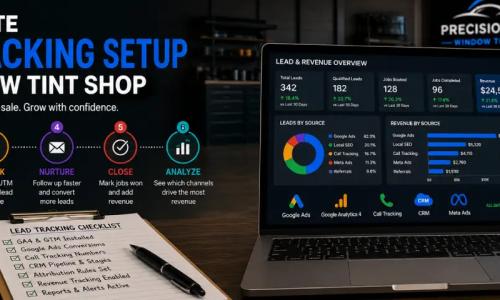
For many tint businesses, a sensible measurement stack has three levels. First, track tel: link clicks in GA4 so you can understand call intent across the website. Second, use Google Ads website call conversion tracking when you need actual call measurement and advertising attribution from eligible Google Ads traffic. Third, record qualified-call and booking outcomes in your CRM or call-tracking system so marketing reports reflect lead quality rather than raw activity.
This creates a clearer journey from website visit to phone interaction to real business outcome.
Measure Calls That Actually Matter to the Business
Phone tracking should answer more than “How many people clicked our number?” A strong setup tells you where calls came from, whether they became meaningful conversations, and ultimately whether those conversations produced appointments.
Start with accurate phone-click measurement, add actual call attribution where appropriate, and build a process for recording qualified leads and bookings. Once those layers are connected, your window tint business can evaluate website and advertising performance using the phone outcomes that matter most.
Ready to grow your business?
Book a free strategy call and see what's possible.