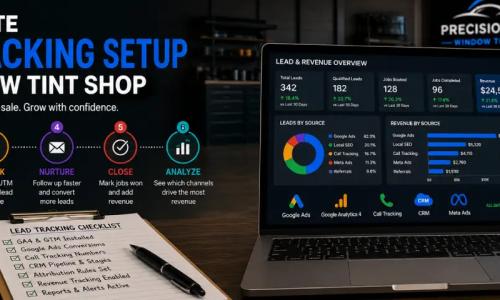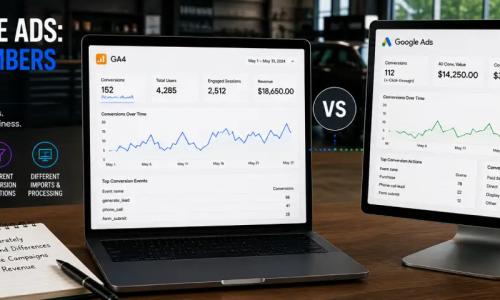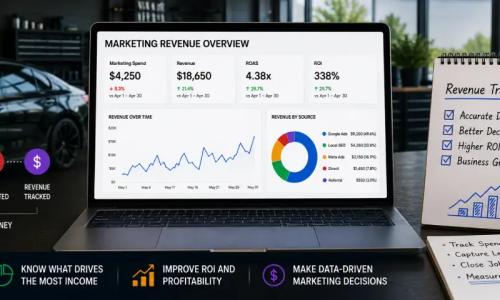
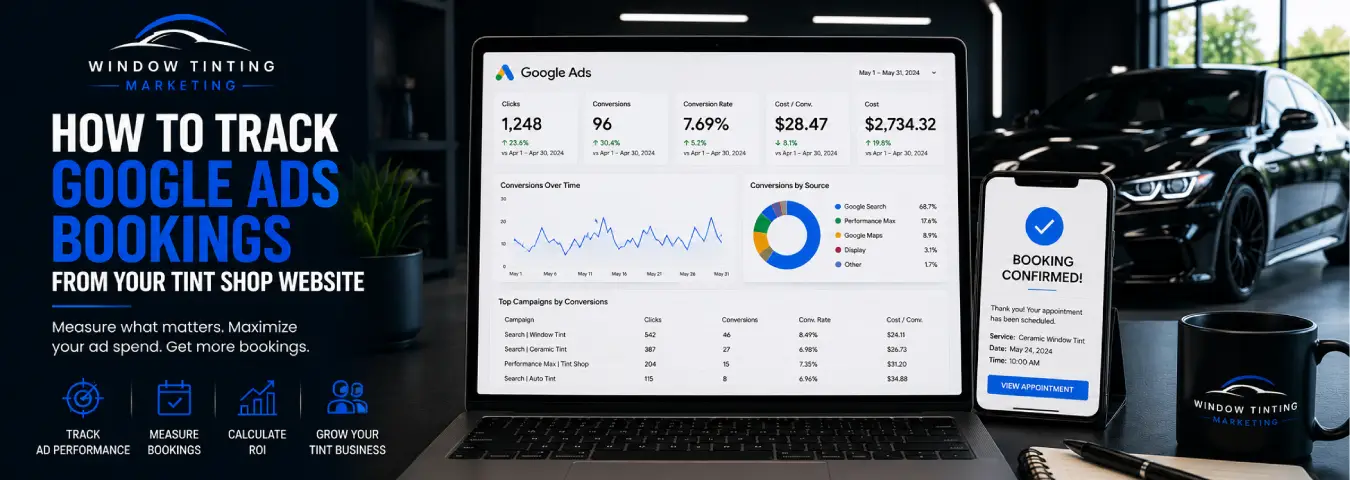
A Google Ads click is useful, and a quote request is valuable, but a confirmed appointment is much closer to the outcome a window tint shop actually wants. If your campaigns generate online bookings, tracking those completed appointments can help you see which ads are producing real scheduling activity instead of simply sending traffic to your website.
The important distinction is between booking intent and a confirmed booking. Someone who clicks “Book Now” has not necessarily scheduled an appointment. Accurate Google Ads booking tracking should fire when the booking has actually been completed or when a reliable system records the appointment.
This guide explains the main ways to track Google Ads bookings from a tint shop website, how to handle booking systems on another domain, and how to connect later booking outcomes when the appointment is recorded outside the website.
Define the Booking Conversion Before You Build Tracking
Start by deciding exactly what the conversion represents. A typical tint-shop booking funnel might include several measurable actions:
| Action | What it means | Tracking role |
|---|---|---|
| Book Now click | Visitor opens or starts the booking process | Supporting intent signal |
| Booking form started | Visitor begins entering appointment information | Funnel event |
| Appointment confirmed | Scheduling system accepts the appointment | Primary booking conversion |
| Appointment completed | Customer actually receives service | Down-funnel business outcome |
For campaign optimization, a confirmed appointment is usually a stronger signal than a button click because it represents a completed scheduling action. Keep earlier interactions available for funnel analysis without automatically treating them as equal to a booking.
Method 1: Track a Booking Confirmation Page
If your booking process ends on a unique confirmation page on your website, tracking can be relatively straightforward. Google Ads website conversion tracking can use a Google tag and a conversion event that fires when the customer reaches the confirmed-booking state.
For example, a visitor might complete an appointment form and then reach a URL such as a dedicated booking confirmation page. Your conversion tag should fire on that success state, not on the first click that opens the scheduler.
Google recommends site-wide tagging for accurate website conversion measurement and advises advertisers to enable auto-tagging. Auto-tagging adds the Google click identifier used to associate ad interactions with later website conversions. If redirects or tracking systems are involved, make sure they preserve the click identifier through the journey.
Method 2: Fire a Conversion After an On-Page Booking Success Event
Many scheduling tools confirm appointments without loading a new page. A booking widget might display a success message after the customer chooses a service, date, and time.
In that situation, use a reliable event that occurs only after the scheduling system confirms the booking. Google Tag Manager can then use that success signal to fire the appropriate Google Ads conversion tag or analytics event.
A strong implementation may use a developer-provided data-layer event rather than trying to infer success from a generic button click. The sequence can be:
- The customer arrives from a Google Ad.
- The customer starts the booking flow.
- The scheduling system receives the appointment.
- The website exposes a confirmed-booking event.
- Google Tag Manager detects that event.
- The Google Ads conversion fires once.
The key requirement is that the trigger corresponds to successful scheduling rather than an attempted booking.
Method 3: Track Bookings That Happen on Another Domain
Some tint shops send customers from their website to a third-party scheduling platform. This creates an important tracking question: can the final booking system send the confirmed outcome back to your measurement stack?
If the booking platform supports your Google tag, Google Tag Manager, an integration, a webhook, or a reliable confirmation return to your domain, you may be able to track the final appointment directly. If it does not, tracking only the outbound “Book Now” click should not be reported as a confirmed booking.
For eligible Google advertising experiences, Google also offers a Partner bookings conversion type for appointments completed through supported third-party booking partners. Google says these bookings can be attributed through a direct partner connection, with an “Appointments booked” conversion action available in eligible accounts. Availability and applicability depend on the advertising and booking setup.
Use GA4 to Analyze the Booking Journey
Google Analytics 4 can complement Google Ads by showing how visitors move through the website before scheduling. Supporting events might measure a booking start, service-page engagement, or other meaningful steps, while the completed booking is treated as the important outcome.
GA4 distinguishes ordinary events from key events—actions that are particularly important to the business. Once a reliable completed-booking event is collected, it can be marked as a key event for Analytics reporting.
If you create a Google Ads conversion based on a GA4 key event, Google provides conversion reporting that connects the Analytics event with advertising measurement. The exact implementation should match your current Google Ads and GA4 configuration.
Track Leads and Bookings as Separate Outcomes
A quote request and a confirmed appointment should not automatically be merged into one conversion. They represent different levels of intent.
GA4 recommends the generate_lead event when a user submits a form or request for information. It also provides lead-generation events for later stages such as qualify_lead and close_convert_lead. This can support a broader measurement model when a tint shop's CRM and analytics systems are connected.
A practical funnel might look like:
- Google Ads click
- Website visit
- Quote request or lead
- Qualified prospect
- Appointment booked
- Completed tint job
Keeping these stages separate helps you identify whether a campaign is producing traffic, inquiries, actual appointments, or customers.
Use Enhanced Conversions When Appropriate
Google's enhanced conversions can improve conversion measurement by supplementing existing conversion tags with hashed first-party customer data, such as an email address, when the implementation and customer-data policies allow it.
As of 2026, Google has combined enhanced conversions for web and leads under a unified setting. Google Ads can accept user-provided data through website tags, Data Manager, and supported API connections. If you implement enhanced conversions, review Google's customer-data requirements and ensure the data collection is appropriate for your consent and privacy setup.
Enhanced conversions should supplement a properly defined booking conversion; they do not fix a trigger that fires before an appointment is actually confirmed.
When the Booking Happens Offline or in Your CRM
Not every appointment is confirmed directly on the website. A prospect may submit a lead form, receive a call from your team, and schedule later. In that case, the booking exists in the CRM or scheduling system rather than as a browser event.
Google's enhanced conversions for leads workflow is designed for situations where an online lead later produces an offline outcome. Google describes a process in which lead data and identifiers are captured, stored in the CRM, and later used to import the converted lead outcome back into Google Ads.
Google recommends continuing to include GCLIDs with uploaded events whenever possible. In 2026, Google also moved current and future offline-conversion and enhanced-conversions-for-leads upload workflows toward the Data Manager API, so older API-based implementations should be reviewed before relying on them.
For a tint shop, this creates a path to measure an appointment that starts with a Google Ads lead but is booked later by phone or staff follow-up.
Choose Primary and Supporting Conversion Actions Carefully
If Google Ads is optimizing toward conversions, the quality of those conversion actions matters. Avoid giving a weak action such as a booking-button click the same strategic importance as a confirmed appointment unless that is genuinely your intended optimization signal.
A sensible hierarchy might treat confirmed appointments as the primary booking outcome while retaining booking starts, phone clicks, and other intent signals for observation and funnel analysis.
If your sales process has enough reliable downstream data, qualified leads or completed jobs can provide additional context beyond bookings.
Test the Full Journey From Ad Click to Appointment
Conversion tracking should be tested as an end-to-end customer journey rather than only inside the tag-management interface.
- Use a controlled test path to reach the relevant landing page.
- Confirm that Google Ads click information is preserved through redirects where applicable.
- Start the booking process and verify that no confirmed-booking conversion fires prematurely.
- Complete a test appointment.
- Verify that the booking conversion fires once at the success point.
- Check the destination platform's debugging or reporting tools as appropriate.
- Cancel, refresh, or repeat relevant steps to look for duplicate conversions.
- Test mobile and desktop flows when both are important to your customers.
Retest after major website, booking-platform, consent, tag, or integration changes.
Common Google Ads Booking Tracking Mistakes
Counting Book Now clicks as appointments. Opening the scheduler shows intent, not a completed booking.
Tracking the wrong confirmation state. Make sure the event occurs only after the booking system has accepted the appointment.
Losing attribution on redirects. Redirects and cross-domain journeys need to preserve the information required by the measurement setup.
Creating duplicate conversions. A confirmation page and a custom success event can both fire for one booking if the implementation is not coordinated.
Ignoring bookings created by staff. If many appointments happen after phone or CRM follow-up, website-only conversion tracking can miss important downstream outcomes.
Sending customer data without reviewing requirements. Enhanced conversion implementations should follow Google's customer-data policies and your applicable privacy and consent requirements.
A Practical Tracking Architecture for a Tint Shop
A strong setup connects the advertising click to the deepest reliable business outcome you can measure:
| Stage | System | Measurement purpose |
|---|---|---|
| Ad click | Google Ads | Identify the advertising interaction |
| Website session | GA4 | Understand visitor behavior |
| Lead generated | GA4 / Google Ads | Measure inquiries |
| Booking confirmed | Website / scheduler / Google Ads | Measure appointments |
| Qualified or completed outcome | CRM / offline import | Measure downstream business quality |
You do not need every layer on day one. Start with a reliable confirmed-booking conversion, then add downstream measurement when your CRM and booking processes can support it accurately.
Optimize Google Ads Around Real Bookings
The purpose of booking tracking is to tell the difference between advertising activity and actual appointments. For a window tint business, that means measuring the point where a prospect successfully schedules service rather than assuming every booking-page visit or button click has equal value.
Define the confirmed booking, preserve attribution from the ad click, implement the conversion at the true success point, and connect offline appointments when possible. With those pieces in place, you can compare campaigns using a business outcome that is much closer to revenue than clicks alone.
Ready to grow your business?
Book a free strategy call and see what's possible.